A camera that proves where the sample came from
A photograph of a sample is only useful later if nobody can argue about when and where it was taken, and which job it belongs to. The field app's camera writes all of that onto the picture at the moment it is taken, and files the picture against the client's letter — so anyone in the lab can open that letter, months later, and see the sample exactly as it was collected.
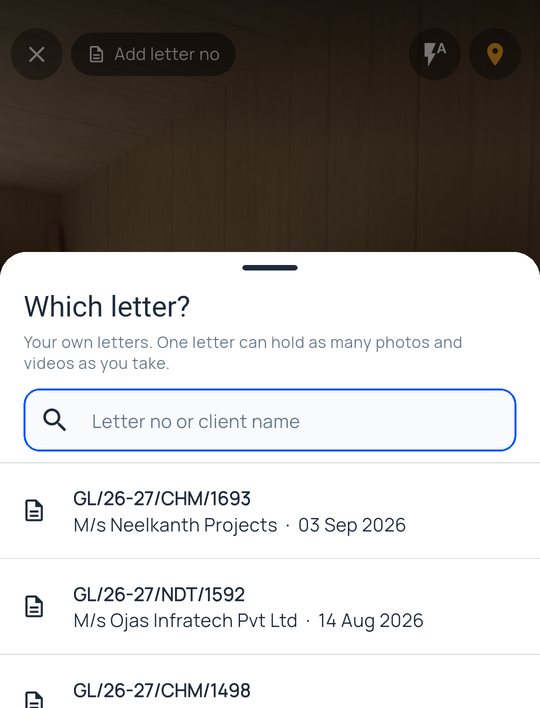
Step 1 — pick the letter these samples belong to.
First, which letter is this?
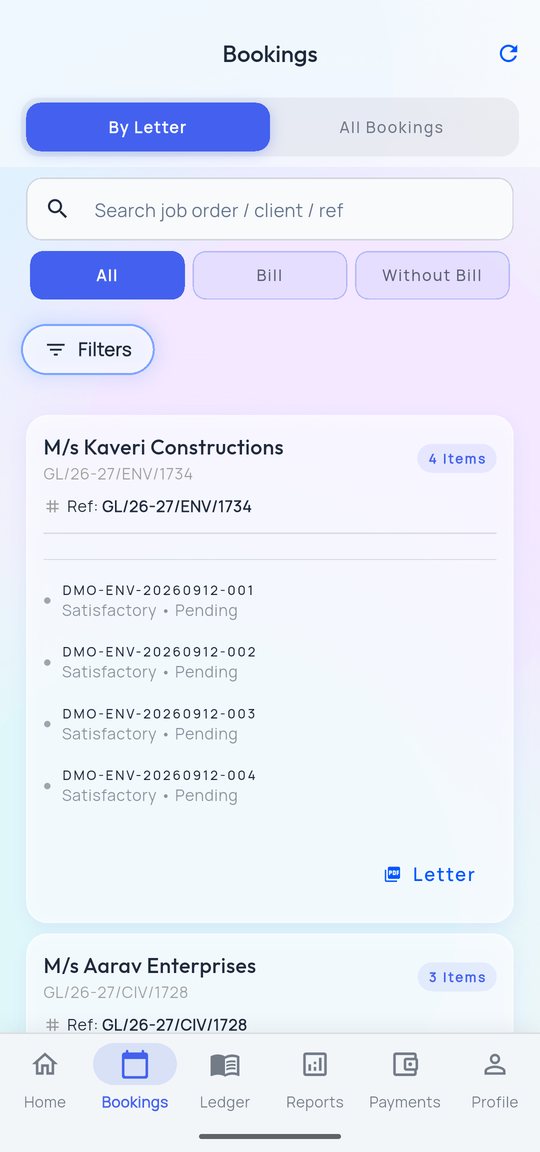
Before the first photograph, the camera asks which client letter the samples belong to. It lists the person's own letters — reference number, client and date — with a search box. One letter can hold as many photos and videos as the visit needs, and the choice is remembered for the rest of the visit.
If the letter is not in the list yet, its number can be typed in by hand.
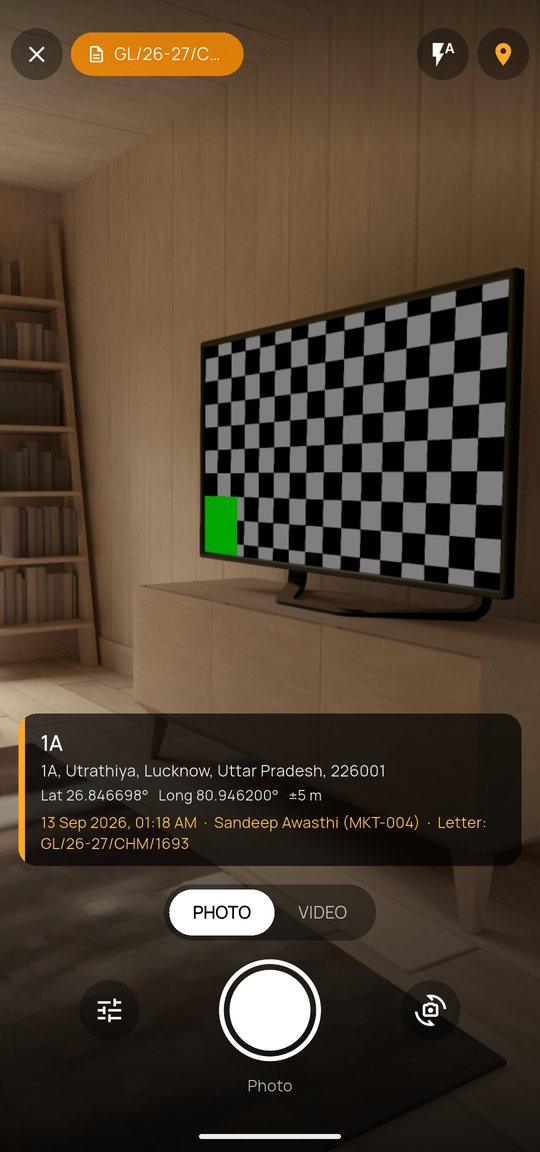
Step 2 — the live stamp, before the shutter is pressed.
Every photo carries its own evidence
The stamp is visible on the screen while you frame the shot, and printed into the photograph when you take it. It is also saved as data with the record, so the office can search and map it.
- PlaceThe site name, and the street address the phone resolves
- GPSLatitude and longitude, with the accuracy in metres
- Date and timeFrom the phone's clock, to the second
- WhoThe marketing person's name and code
- LetterThe client letter the sample belongs to
- Photo or videoVideos are recorded too, with the same details saved on the record; several shots in one go stay together as a batch
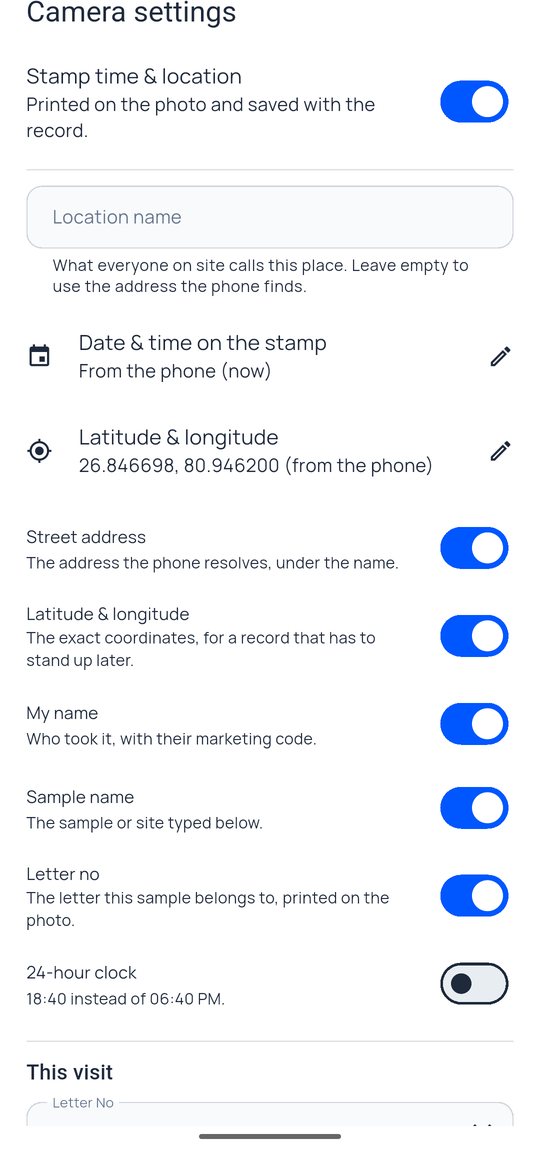
Camera settings — what the stamp shows.
Honest about anything typed by hand
Each line of the stamp can be switched on or off, and a site can be given the name everyone uses for it. When a sample is photographed a day late, or the phone cannot get a GPS fix indoors, the date or the coordinates can be entered by hand — and the record then says so. A stamp that came from the phone and one that was typed are never mixed up.
- Street address, coordinates, name, sample name and letter number — each switchable
- 12- or 24-hour clock
- Hand-entered time or place is flagged on the saved record
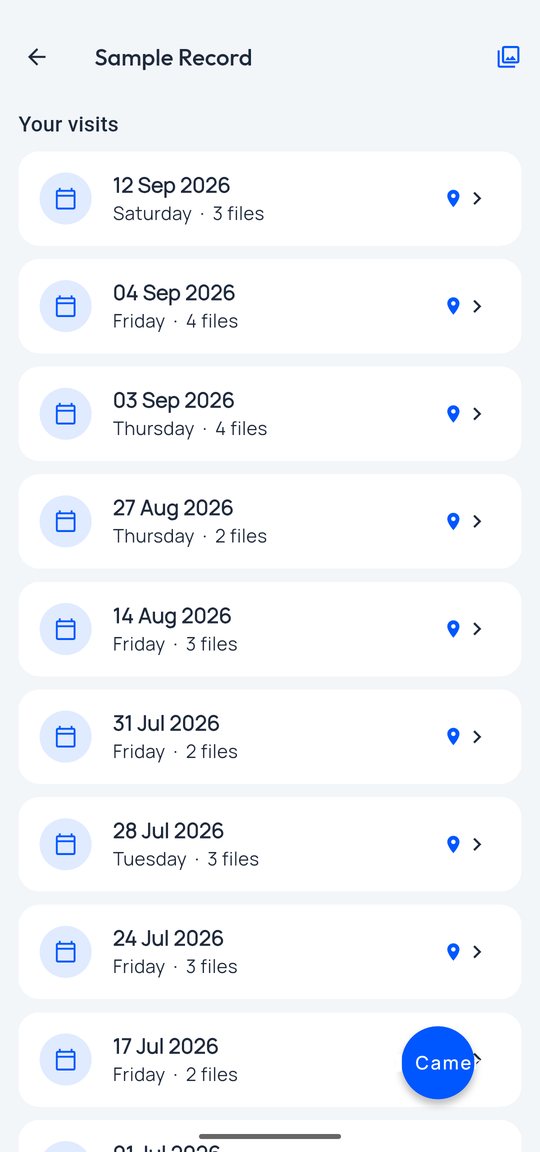
Your visits — day by day.
Filed by day and letter — on the phone and in the lab
Photographs are grouped by visit day on the phone, each tagged with its letter. The same pictures appear at once in the web panel under Sample Record, arranged by person, then day, then letter, with the place on a map — so the reception can check what is arriving before the sample does, and a dispute months later is settled by opening the letter.
- No signal on site? Photos stay safely on the phone until they are delivered, and can be sent again with one tap
- Kept on cloud storage, not on the server's disk
- A marketing person sees their own photos; the office sees everyone's
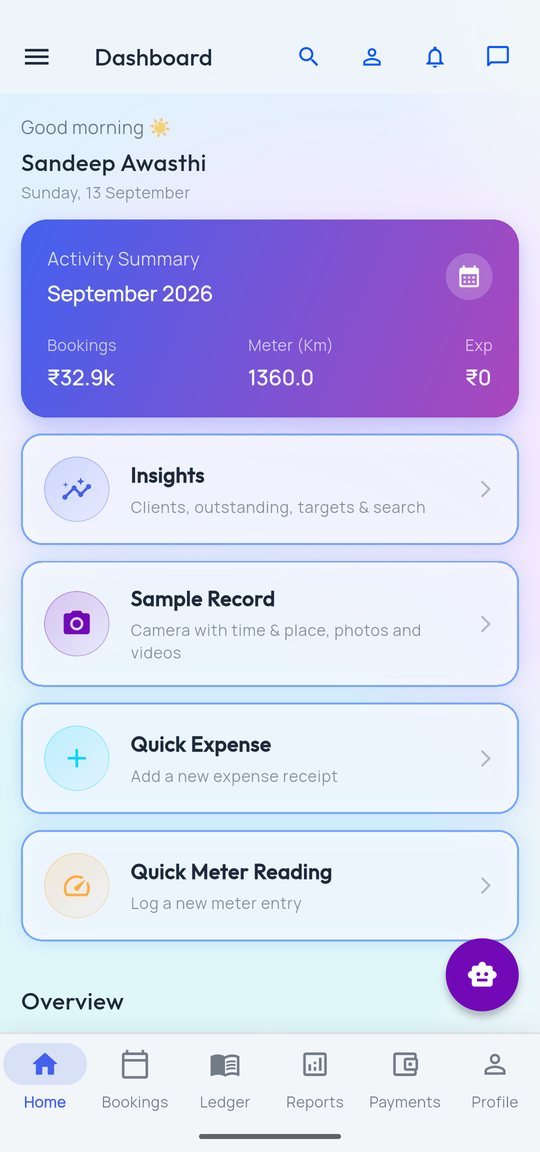
Everything else a marketing person needs in the field
Their own clients, bookings, money and mileage — nothing they are not meant to see.